
Deadlock is CPU-bound on Source 2. Shader cache, launch options, and the graphics settings that actually move teamfight frames.
Deadlock FPS Fix: Settings That Move the Frame Counter
If your frames hold at 144 in lane and collapse into the 40s the second a base fight starts, no texture slider is going to save you. Deadlock runs on Source 2 and the teamfight is a CPU problem, so the fix list is short: give the shader cache room, stop guessing your frame cap, add a few Source 2 launch options. Everything else is a ninety-second test to find out whether you are CPU-bound or GPU-bound.
Official source: City Never Sleeps, Valve on Steam News, published 2026-09-29 — the update's technical list reads "Updated engine code to the latest version of Source 2", "Rendering performance improvements" and "Network prediction improvements".
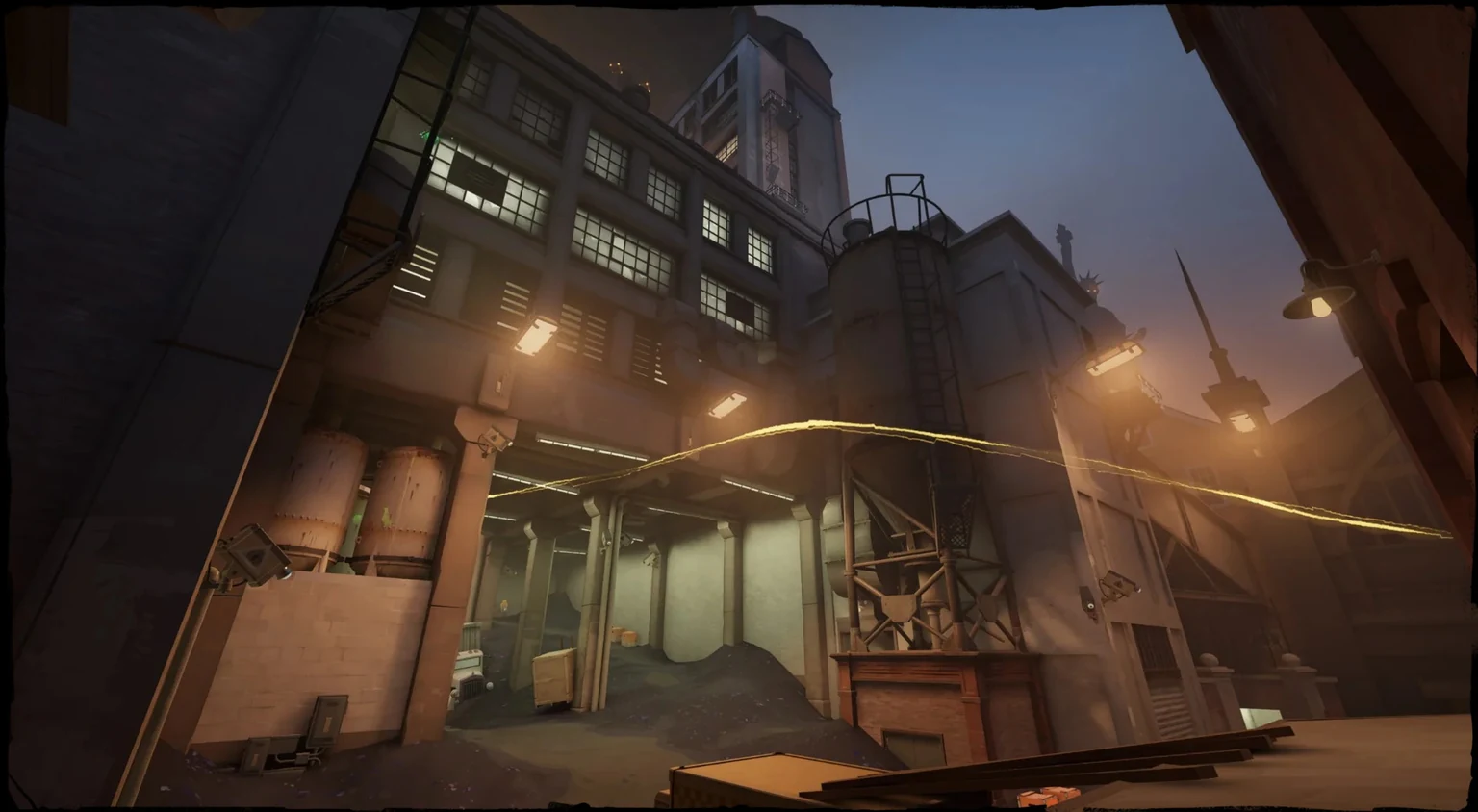
Is it your CPU or your GPU? Ask during a base fight
Frame drops cluster where entity count spikes: base entrances, tower fights, late pushes with two lanes of troopers and twelve heroes on one screen. A player on the official forum wrote of "constant dips to less than 50 FPS when I previously held over 144FPS. Team fights look like a buffering video" (performance issues thread); a reply in the same thread blames looking down Blue Lane specifically. Another report, on a 9070 XT and a 9900X, says they used to sit between 195 and 240 and "this patch im half my frames even when im down scaling in resolution" (frametime thread).
That second quote is the diagnosis. If dropping resolution changes nothing, the renderer is not your limit. Watch GPU utilization during a contested base rather than in lane: if the GPU is not saturated while frames collapse, the CPU is the ceiling. Missout says the same about Source 2 — in teamfights everything is CPU-bound, so CPU and memory work pays and GPU work does not (missoutpc Deadlock guide, dated May 27, 2026, updated June 27, 2026).
The settings that pay, and the ones that cost you clarity
| Setting | Value | Why |
|---|---|---|
| Shadow quality | Low | Ultimatemove: "the single biggest FPS impact with the lowest gameplay cost in Deadlock" |
| Fog quality | Low | Cuts volumetric fog resolution |
| Screen space AO | Off | Valve's tooltip calls its cost moderate and consistent (Hone, 2026-09-30) |
| Texture quality | Med | Below Med "gives minimal FPS gain" — a VRAM setting, not a speed setting |
| Effects quality | Off | Cuts particle density during team ultimates |
| Depth of field, bloom | Off | Visual only, and blur costs you the fight |
| VSync | Off | Adds input lag; pair it with variable refresh |
| In-game maximum FPS | Refresh rate | See the cap section below |
Names and order follow Hone, which used Valve's English settings definitions and tooltips "extracted by GameTracking on September 30, 2026" and calls its own list "a supported starting profile, not a setup we've benchmarked" (hone.gg Deadlock settings).
Ultimatemove turns depth of field and all bloom off. Esportfire leaves Post Process Bloom enabled while disabling Effects Bloom (esportfire performance guide). Both publish a confident table; neither shows a capture or a frame-time graph.
Frame caps: pick a number on purpose
Deadlock exposes separate maximum-FPS sliders for the dashboard and for in-game play, with fps_max, fps_max_ui and fps_max_tools behind them (Dead Air config guide on the official forum). Most players never revisit the default.
Ultimatemove's case for capping is thermal: uncapped frames on a high-refresh display waste power, and sustained heat causes throttling inside a long fight. Their number is 237 on a 240 Hz panel — and unlike CS2, Deadlock has no frame pacing problems with the in-game lock. Want the lowest input delay instead? +fps_max 0 removes the cap.
Launch options: five worth adding, one chain to ignore
Right-click Deadlock in Steam, Properties, General, Launch Options:
-high— high process priority. Ultimatemove's caveat is the honest one: on some systems it helps, on others it causes problems with other apps.-novidand-nojoy— no functional cost.-dx11— forces the DirectX 11 renderer the in-game Rendering setting defaults to;-vulkanis the alternative, and both appear in current bug reports.-console— only for the measurement commands below.-preload— resources load at launch instead of mid-match.
The long chains on video usually carry -dev and -noassert, debug flags rather than performance settings. Ultimatemove's line is the one to keep: "Many do nothing, some are outdated, and some can even hurt performance. Less is safer."
Stuttering right after an update
The first launch after a patch compiles shaders on demand, and the stutter looks exactly like a performance problem. Missout documents the fix: play one match and the stutters go away, and widen the driver's shader cache budget, which they set to Unlimited. Steam's own Shader Pre-Caching under Settings, Downloads is a different mechanism and usually irrelevant here — in Valve's changelog wording it downloads pre-compiled shaders "for the first few launches of OpenGL- and Vulkan-based games", so forcing -dx11 leaves it nothing to do.
One player in that same thread force-closes the game from Task Manager when matchmaking finds a match, relaunches, and rejoins as soon as the rejoin button appears, skipping the hub load and its pre-compile. Their caveat: they were not sure whether it worked or a mini-patch had landed.
If the hitch comes with the scoreboard, the killfeed or hero voice lines rather than with new scenery, that is the UI layer, not your GPU. A separate open report on the official forum is titled "Severe late-game PanoramaUI frametime spikes on DX11 and Vulkan (scoreboard/Tab stutter)". Knowing which one you have is your job; fixing it is Valve's.
Low-end PC: the order that actually matters
Reverse the usual order. Hone's phrasing is right: "I'd reduce the atmosphere before shrinking the whole picture", then step to 1.5x upscaling only if reducing rendering work is still not enough. Render Quality, then upscaling, then shadows, fog and AO. Esportfire's one low-end tip is about your monitor: if you still cannot hold your count, drop the refresh rate in the Nvidia control panel to match what Deadlock delivers.
Nobody can tell you what Deadlock needs, because Valve has not published a single requirement field. Esportfire's own performance guide lists its system requirements section as "Coming soon!"
Measure it instead of guessing
The official forum config guide lists the telemetry commands worth binding: cl_hud_telemetry_frametime_show 2 for an always-on frametime graph, cl_hud_telemetry_ping_show and cl_hud_telemetry_net_misdelivery_show on the same 0-to-2 scale, and cl_showpos 1.
Judge the result on frame times and 1% lows, not average FPS: a 144 average with 45-frame spikes loses the same fight as a flat 90. Then take the free A/B test and queue Street Brawl, where the same map runs 4v4 with no trooper waves. If the collapse disappears, you were watching entity count, not settings.
Where the "I got 46% more FPS" numbers come from
The largest figure in circulation is Missout's: "+46-58% FPS gain" and "+67-71% 1% low", worked out on an i5-12400F plus RTX 3060 going 85 to 130, on a page dated May 27, 2026 and updated June 27, 2026. That page sells a paid optimization service, so read the number as marketing-adjacent. It also claims Deadlock uses VAC, an anti-cheat Valve has never named. No frame rate is promised here, and none should be promised to you: an invite-only early development build with no published requirements has never been measured on your machine.
FAQ
Does Deadlock have official system requirements? No. On the Steam store page as of October 3, 2026, both Minimum and Recommended list only "Requires a 64-bit processor and operating system"; every other field reads TBD.
Is it safe to turn MBOIT off? Every optimization page we checked lists it and calls it Valve work-in-progress, but it appears nowhere in Valve's own City Never Sleeps technical notes. Turning it off is low risk; calling it Valve guidance would not be.
Why does opening the scoreboard freeze the game for a second? A UI-layer frametime spike with its own open bug report on the official forum, listed as happening on both DX11 and Vulkan. No graphics setting reaches it.
If the game will not launch at all, see Deadlock crashing or freezing. If this is your first invite, the shader work happens on your first match regardless, and the beginners guide assumes you are playing today.
Related Guides
- Deadlock Crashing or Freezing: Fixes That Work — the other troubleshooting page.
- Deadlock City Never Sleeps Update: Full Breakdown — six heroes, four Districts, the rendering notes.
- Deadlock Patron Guide: How Matches Actually End — where entity count peaks.
- Deadlock Map Guide: Lanes and the New Districts — the lane players name in stutter reports.
More Deadlock Guides
You cast one hero vote per Standard or Street Brawl match at the Pregame ballot box. The winning team counts double, first win of day doubles again.
Three lanes, four new Districts between them, and the Haunts that spawn in each. What City Never Sleeps changed about where you fight.
Every tier list is stale within a patch. How to judge strength from mobility, damage and role fit instead of copying a chart.
Stamina, dash into slide, slide hop, mantle and wall jump - the movement tech that decides fights, explained as mechanics.
Rat King landed Oct 2. The next five City Never Sleeps heroes drop Tuesdays and Fridays at 2pm PT through Oct 20, in the order players vote.
Destroy Guardians, then Walkers, expose the Patron, and burn it down. Why the Archmother pit punishes grouped pokes.
Ranked landed in July 2026. How the badge tracks hidden MMR, what placements cost you, and why a 45% winrate still climbs.
Rat King is live since Oct 2, 2026. What Scrap Grenade, Swarm of Rats, Royal Pestments and Banner of Rattania actually do, and where he fits.